Inline metadata
Fields added by the Tasks and
Dataview plugins directly on a card's line
(e.g. a Tasks due date, or a key:: value Dataview field).
Inline metadata position
Where Dataview's inline fields are shown on the card:
- Card body — inline with the rest of the card's text.
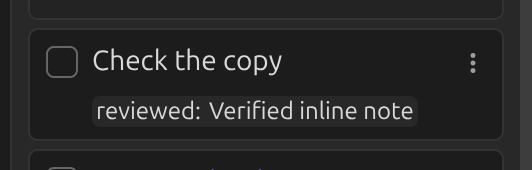
- Card footer — below the card, separate from the text.
- Merge with linked page metadata — alongside fields from Linked page metadata, in the same block.
Set to Card footer:
Move task data to card footer
When on, data added by the Tasks plugin (due dates, recurrence, priority, …) is shown in the card's footer instead of inline in its body text.