Tags
Write #tags anywhere in a card's text and they're picked up like anywhere else in Obsidian —
they show up in Obsidian's tag search and pane too.
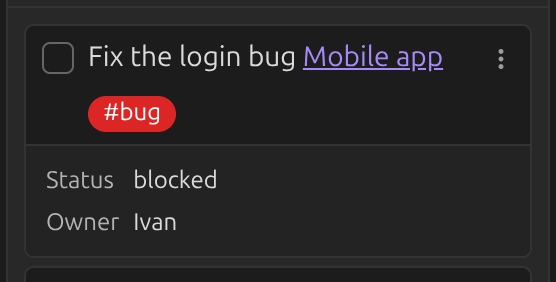
By default, tags stay in the card's body and clicking one searches the whole vault. You can:
- Move tags to the card's footer instead of the body — Move tags to card footer.
- Make clicking a tag search the board instead of the vault — Tag click action.
- Give specific tags a color, or control how lists are sorted by tag — see Tags settings.