Archive
Archiving a card removes it from the board without deleting it — Ctrl/Cmd-clicking a card's
checkbox archives it, as does the Archive entry in its ⋮ menu, or Archive completed
cards in the board's ⋮ menu (also available as a command palette command).
Viewing the archive
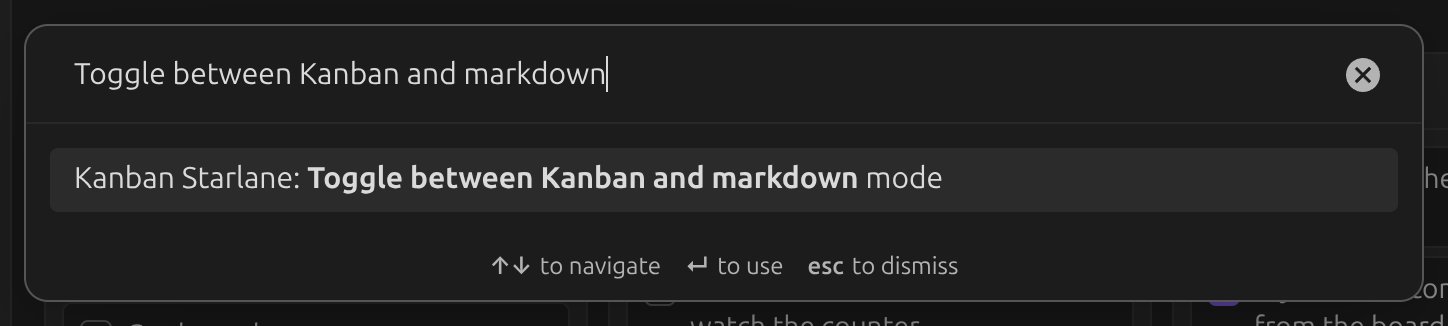
The archive is only visible in markdown mode. Toggle to it with the command palette command
Toggle between Kanban and markdown mode:
Archived cards are listed under an ## Archive heading at the bottom of the file:
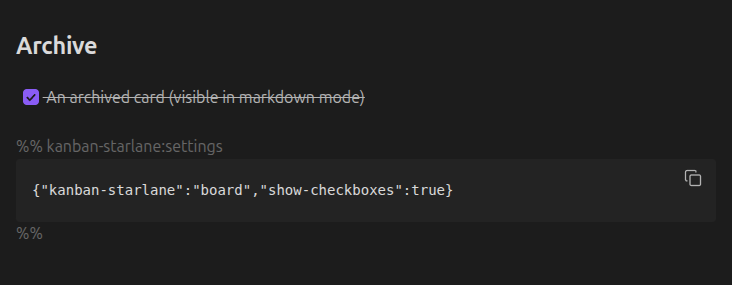
Run Toggle between Kanban and markdown mode again to return to the board.
Archive settings
By default the archive grows without limit. You can cap its size, and control whether archived cards get a timestamp — see Archive settings.