Coming from the Kanban plugin
Kanban Starlane can be installed next to the original Kanban plugin; it does not open the original's boards until you convert them.
Convert your boards
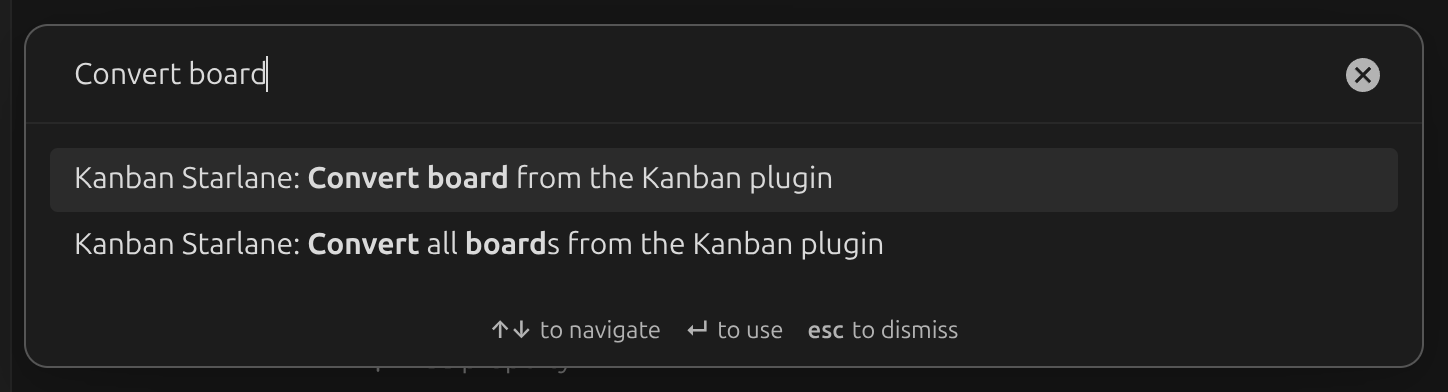
Open the command palette (Ctrl/Cmd + P) and run one of:
- Convert board from the Kanban plugin — converts the currently open note.
- Convert all boards from the Kanban plugin — converts every board in the vault.
Conversion only changes the plugin identifiers stored in each file: kanban-plugin becomes
kanban-starlane in the frontmatter, and %% kanban:settings becomes
%% kanban-starlane:settings. Lists, cards, the archive and board settings are kept as-is.
Bring your global settings over
Run Import settings from the Kanban plugin from the command palette to copy your global Kanban plugin settings into Kanban Starlane.
After converting
Disable the original Kanban plugin — a board only opens as a Kanban board in the plugin whose frontmatter key it currently has, and having both plugins active on the same file can conflict.