Creating a board
There are three ways to create a new board:
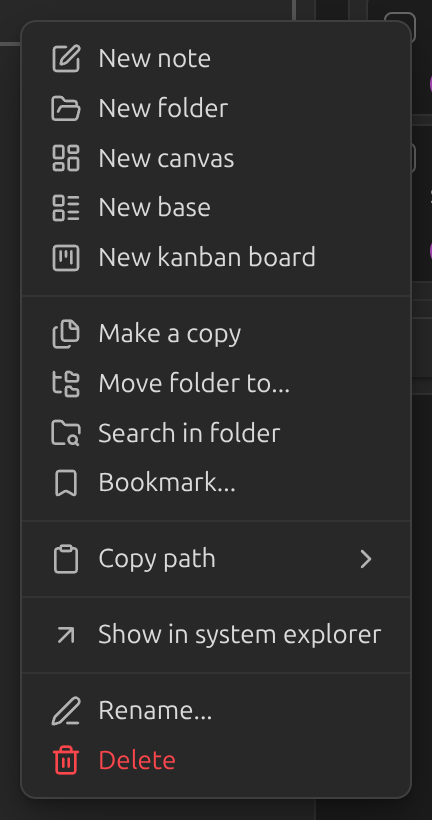
Right-click a folder in the file explorer and choose New Kanban board.
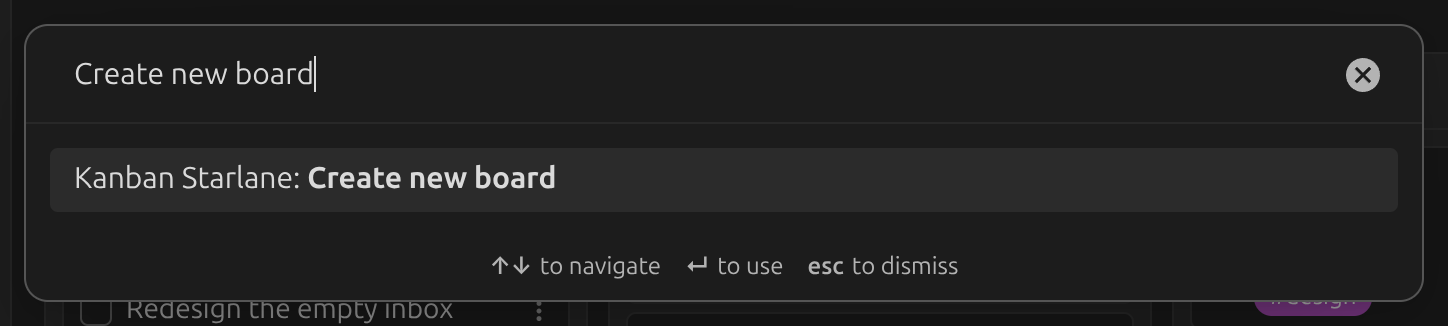
Run the command palette command Create new board. This creates a board at the root of
your vault.
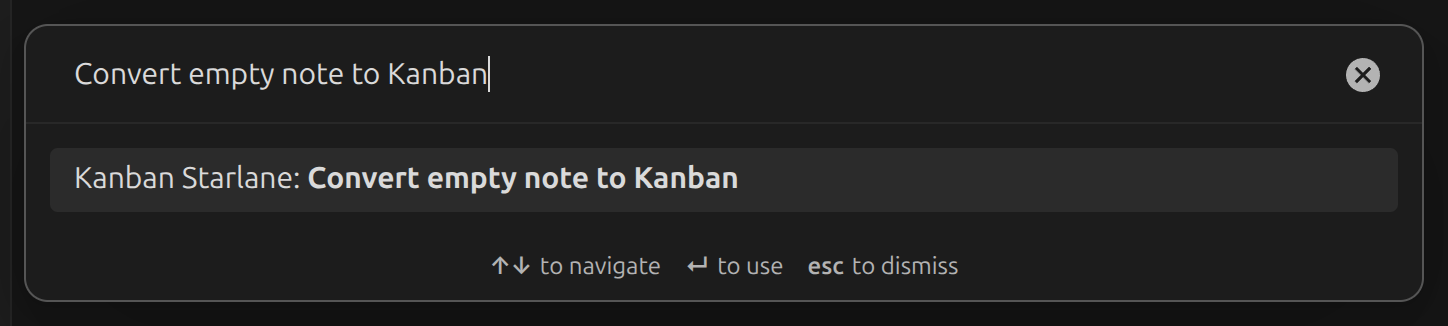
Convert an empty note with the command palette command Convert empty note to Kanban.
What a board looks like on disk
A board is a plain markdown note. Each ## heading is a list, and each task-list item under it
is a card:
---
kanban-starlane: board
---

## To do

- [ ] Write the quarterly report
- [ ] Call the plumber

## Done

- [x] Buy groceries
You can edit this file directly — in Obsidian's editor or any other text editor — and the board picks up the change. See Views for switching between the board, table, list and markdown views.