Views
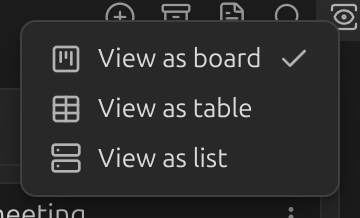
A board can be shown in three ways. Switch between them from the Board view button in the board header, or the command palette:
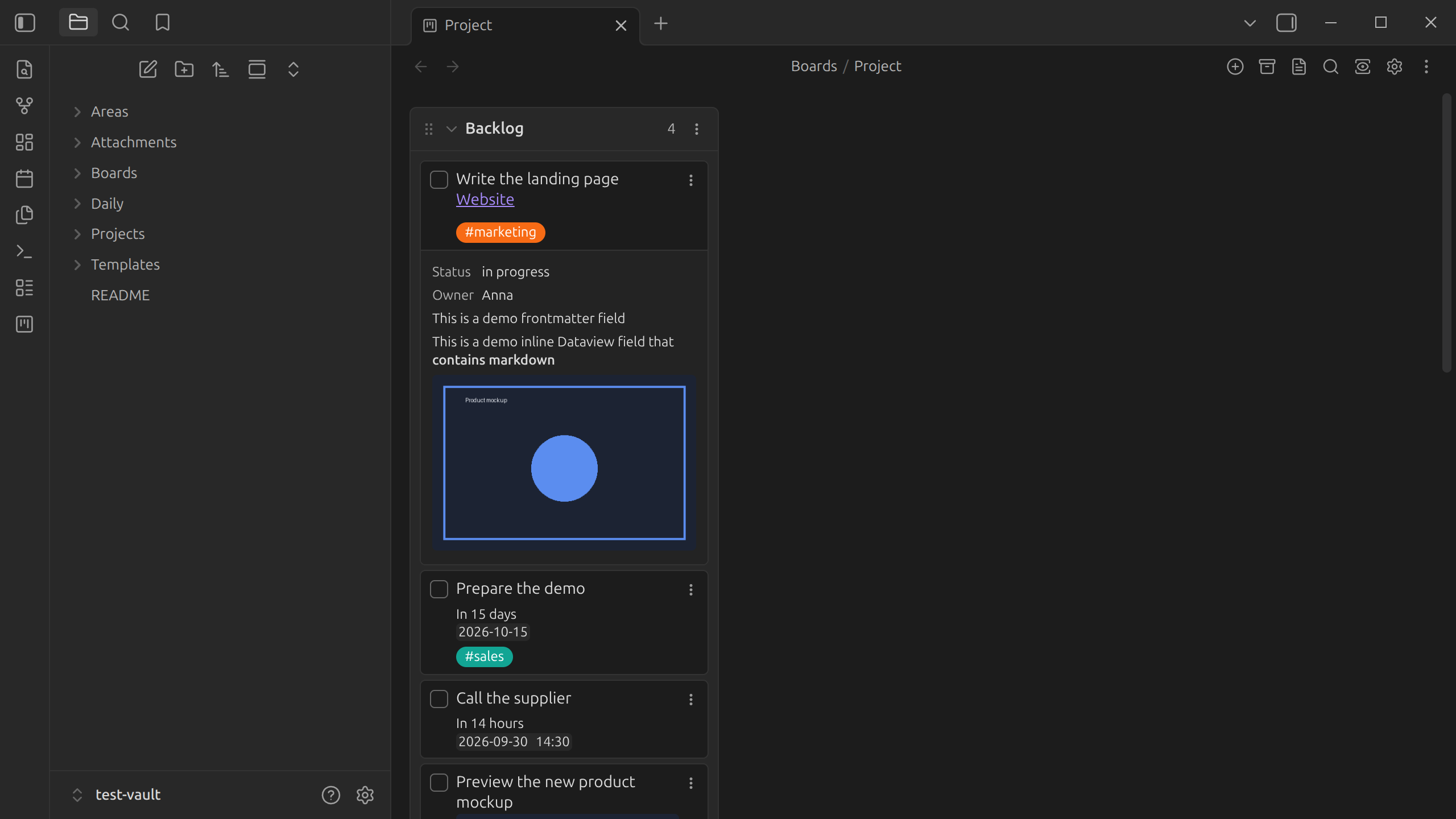
- View as board — the classic Kanban layout, lists side by side.
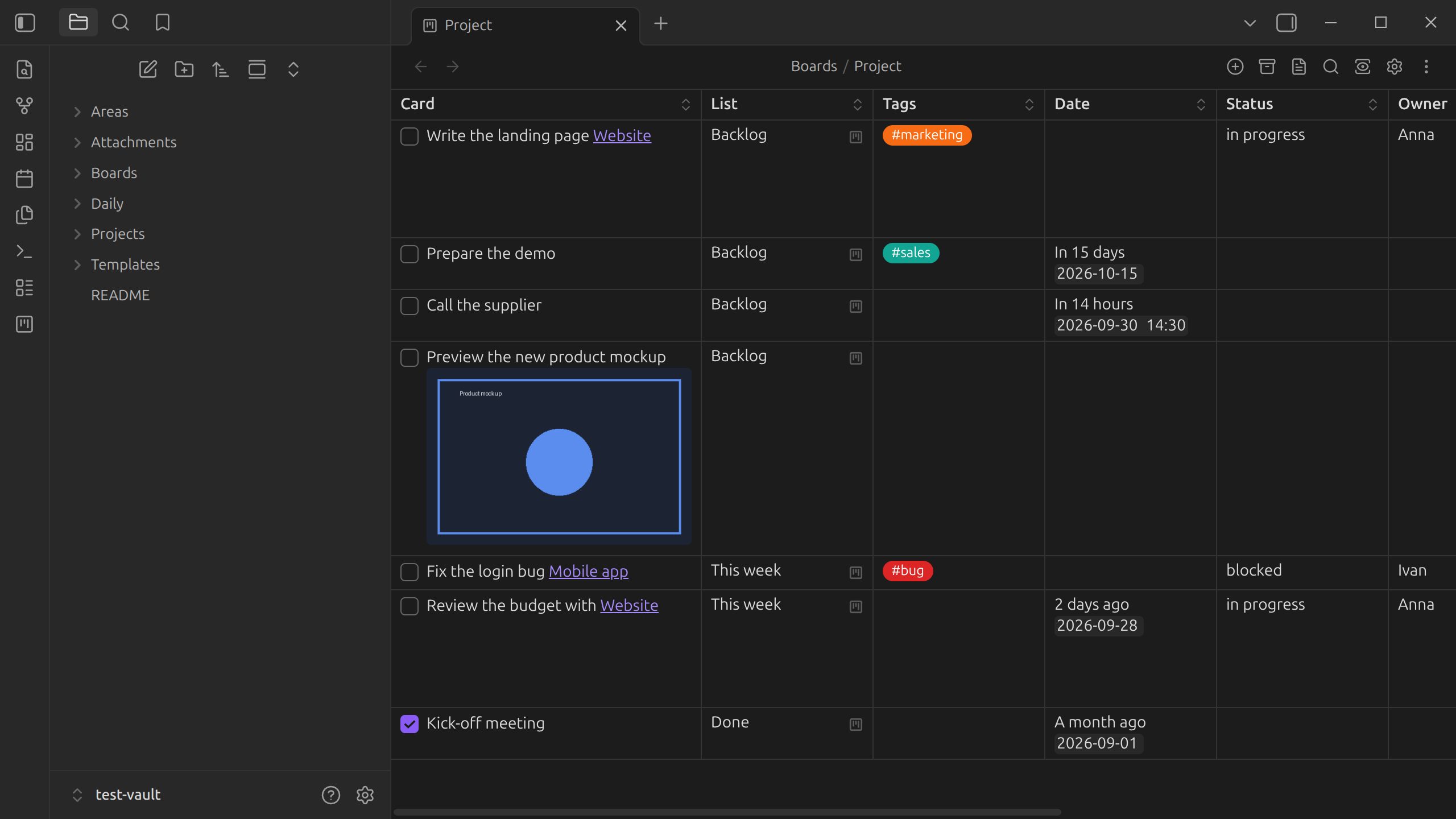
- View as table — one row per card, with columns you can sort and filter.
- View as list — a flat, vertical list of every list and its cards.
Every board also has its underlying markdown — the plain note behind the board. Toggle
between them with the command palette command Toggle between Kanban and markdown mode.
Switching to markdown is also how you view a board's archive.
The header buttons shown for each board (add a list, search, board settings, …) can be hidden individually — see Board header buttons.