Date & time
Move dates to card footer
When on, dates are shown in the card's footer instead of inline in its body text.
Date trigger
The character (or sequence of characters) that opens the date
picker while editing a card. Default: @.

Time trigger
The character (or sequence) that opens the time
picker. Default: @@.

Date format
The format a date is saved as in markdown. Uses moment.js tokens.
YYYY-MM-DD:

ddd, MMM Do, YYYY:

Time format
The format a time is saved as. Uses moment.js tokens.
HH:mm:

h:mm a:

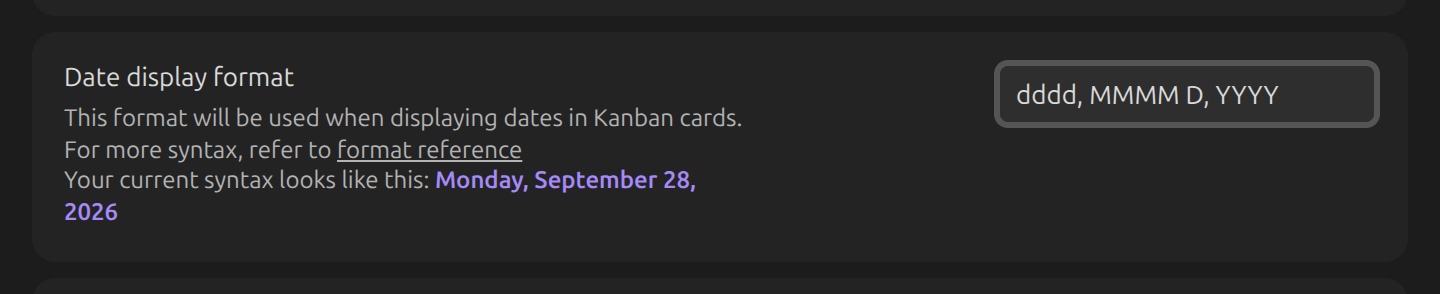
Date display format
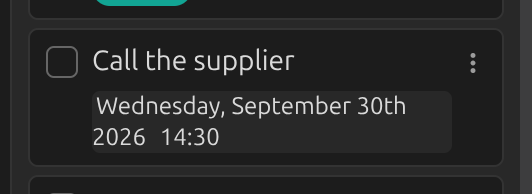
How a card's date is shown, independent of Date format used to save it.
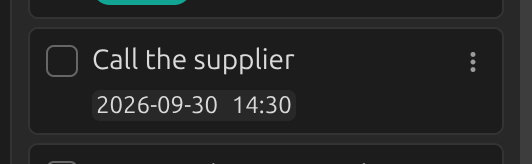
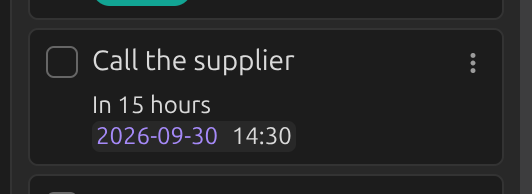
A card with a date in the current Date format:
...shown using the display format:
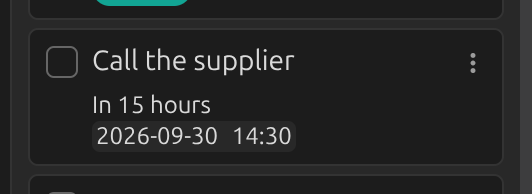
Show relative date
Shows the distance between today and a card's date (e.g. "In 3 days", "A month ago") instead of a fixed date. Not applied to dates from the Tasks and Dataview plugins.
Link dates to daily notes
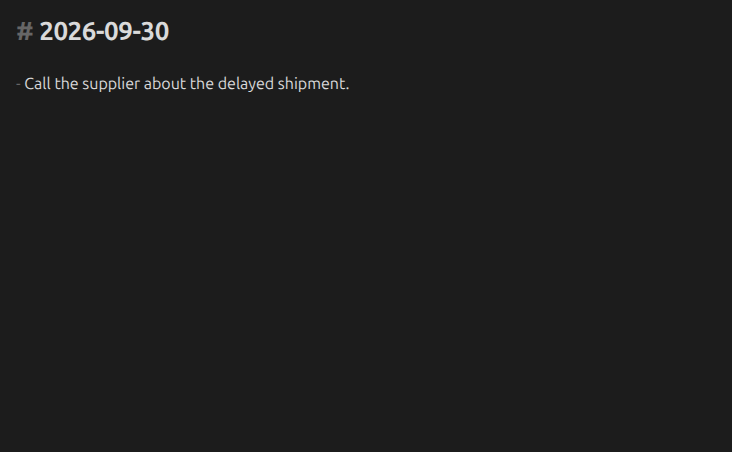
Makes a card's date link to the matching daily note, e.g. [[2021-04-26]].
Calendar: first day of week
Overrides which day the date picker's calendar starts each week on. Default: follows Obsidian's own setting.