General
Card history
Records when cards are created, edited, moved, checked/unchecked and archived — see Card history. On by default; the history is kept in the board file, so turning this off does not remove history already recorded.
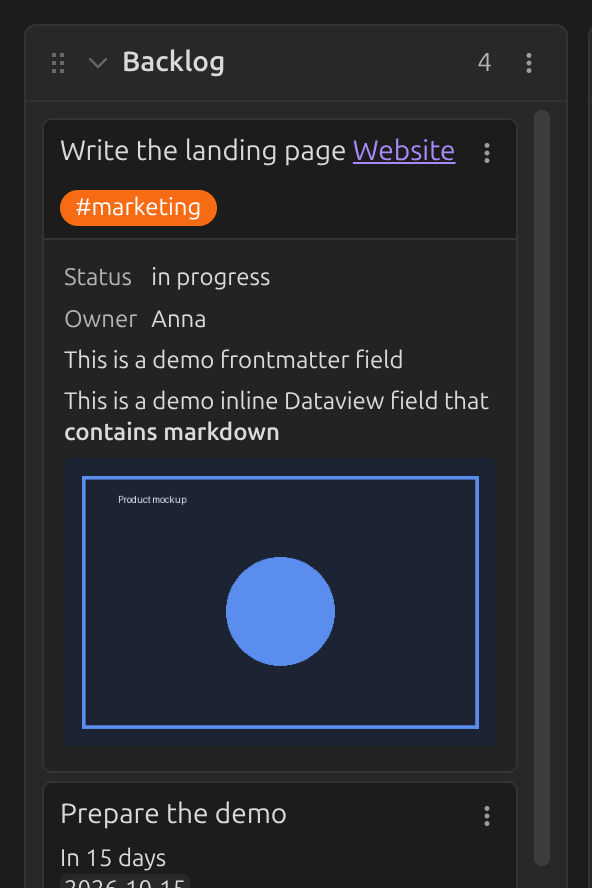
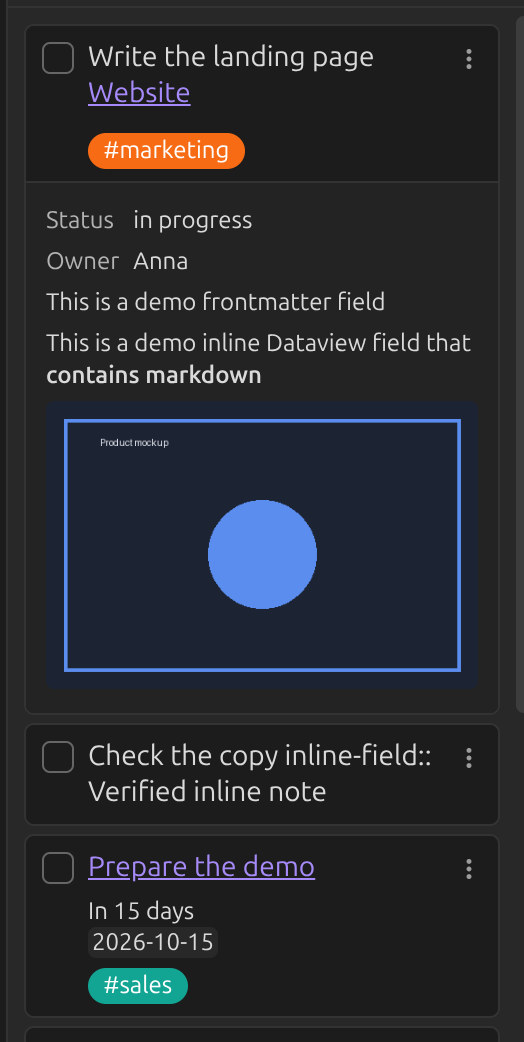
Display card checkbox
Shows a checkbox next to each card's title. Ctrl/Cmd-clicking it
archives the card.
Off (default):
On:
New line trigger
By default, Enter finishes editing a card or list and Shift+Enter adds a new line within it.
Turn this on to swap them: Enter adds a new line, Shift+Enter finishes editing.
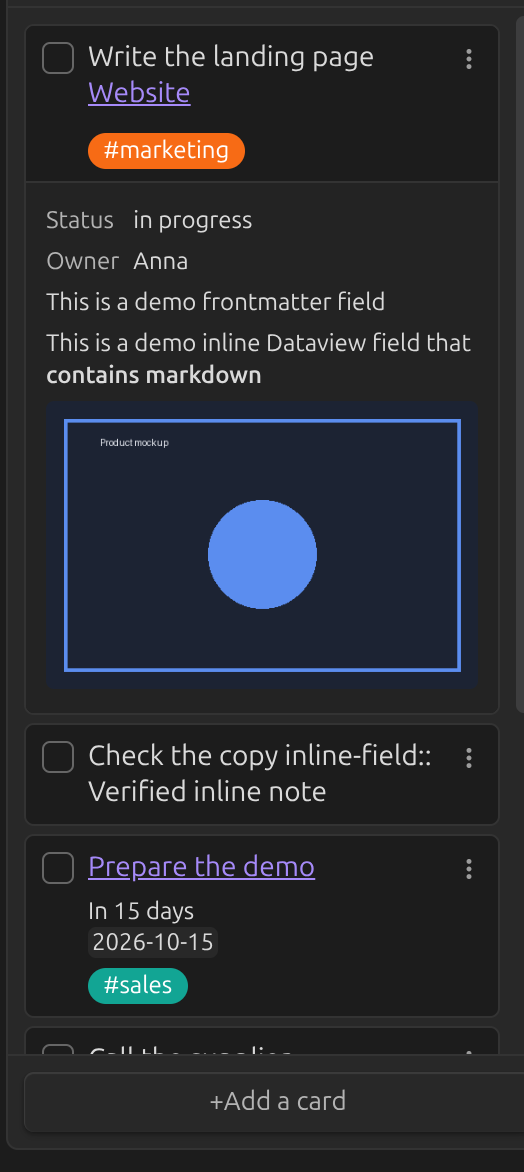
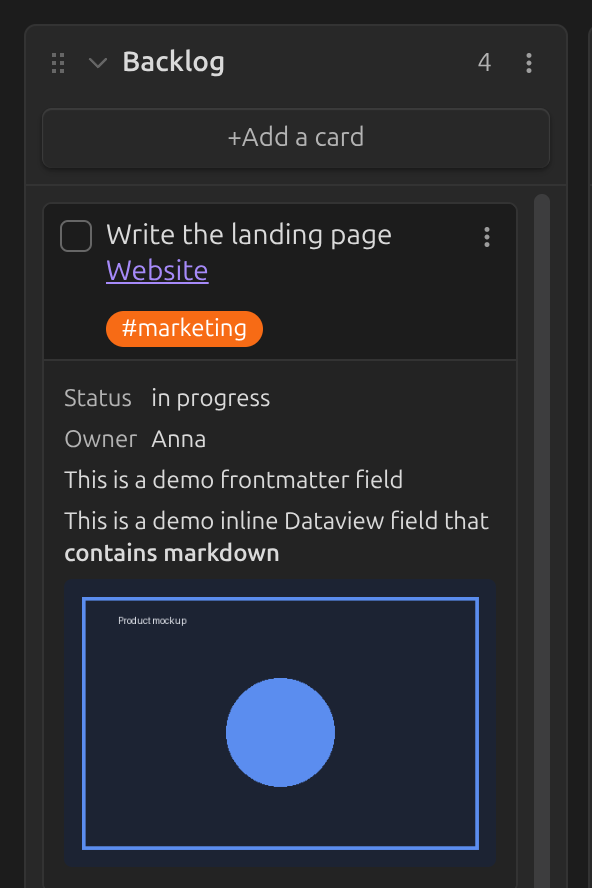
Prepend / append new cards
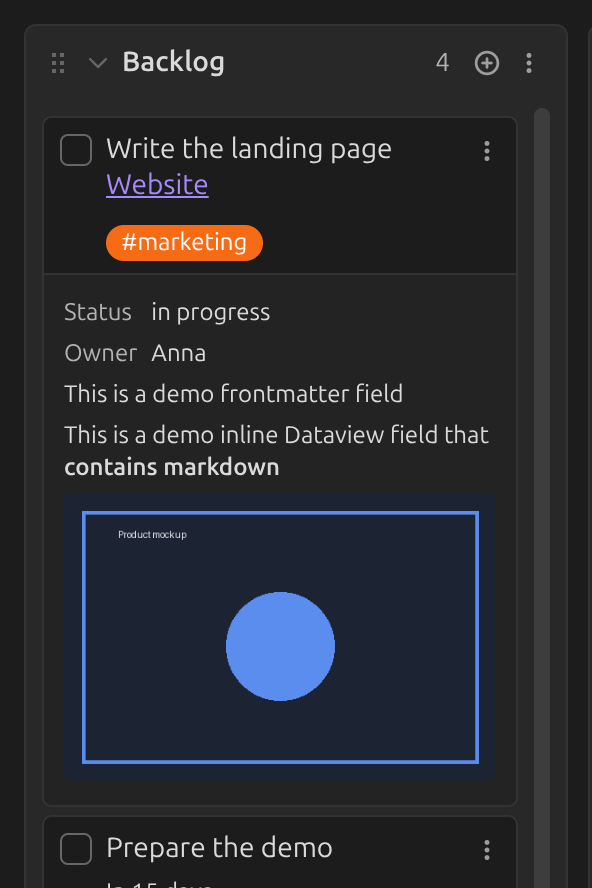
Controls where new cards are added to a list, and where the Add a card button sits. Default: Append.
| Append | Prepend | Prepend (compact) |
|---|---|---|
 |
 |
 |
Hide card counts in list titles
Hides the card count that's otherwise shown next to each list's title.
List width
Sets the width, in pixels, of a board's lists. Default: 272.
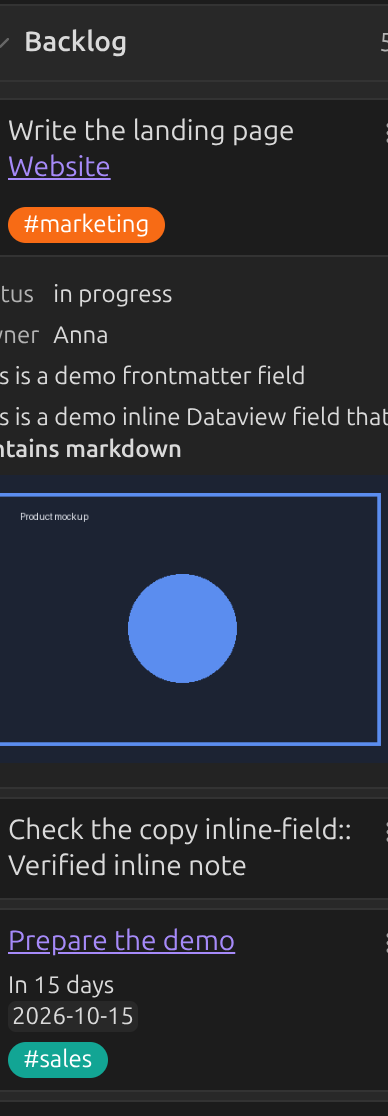
Set to 400:
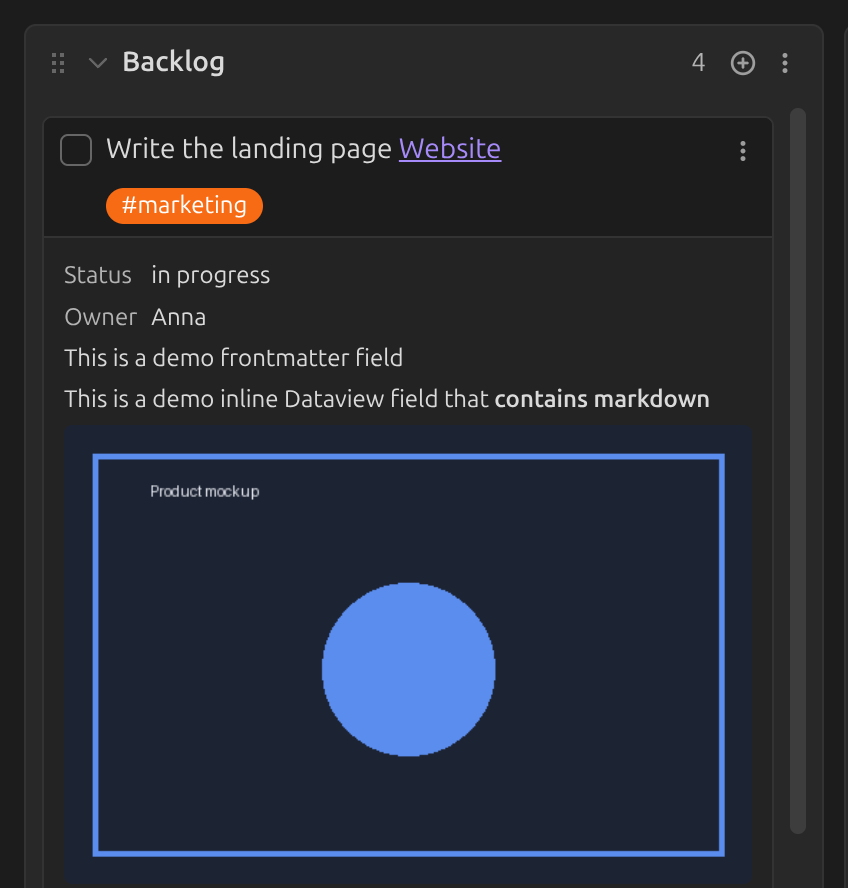
Expand lists to full width in list view
When on, lists fill the available width in list view instead of keeping a fixed width.
Note template
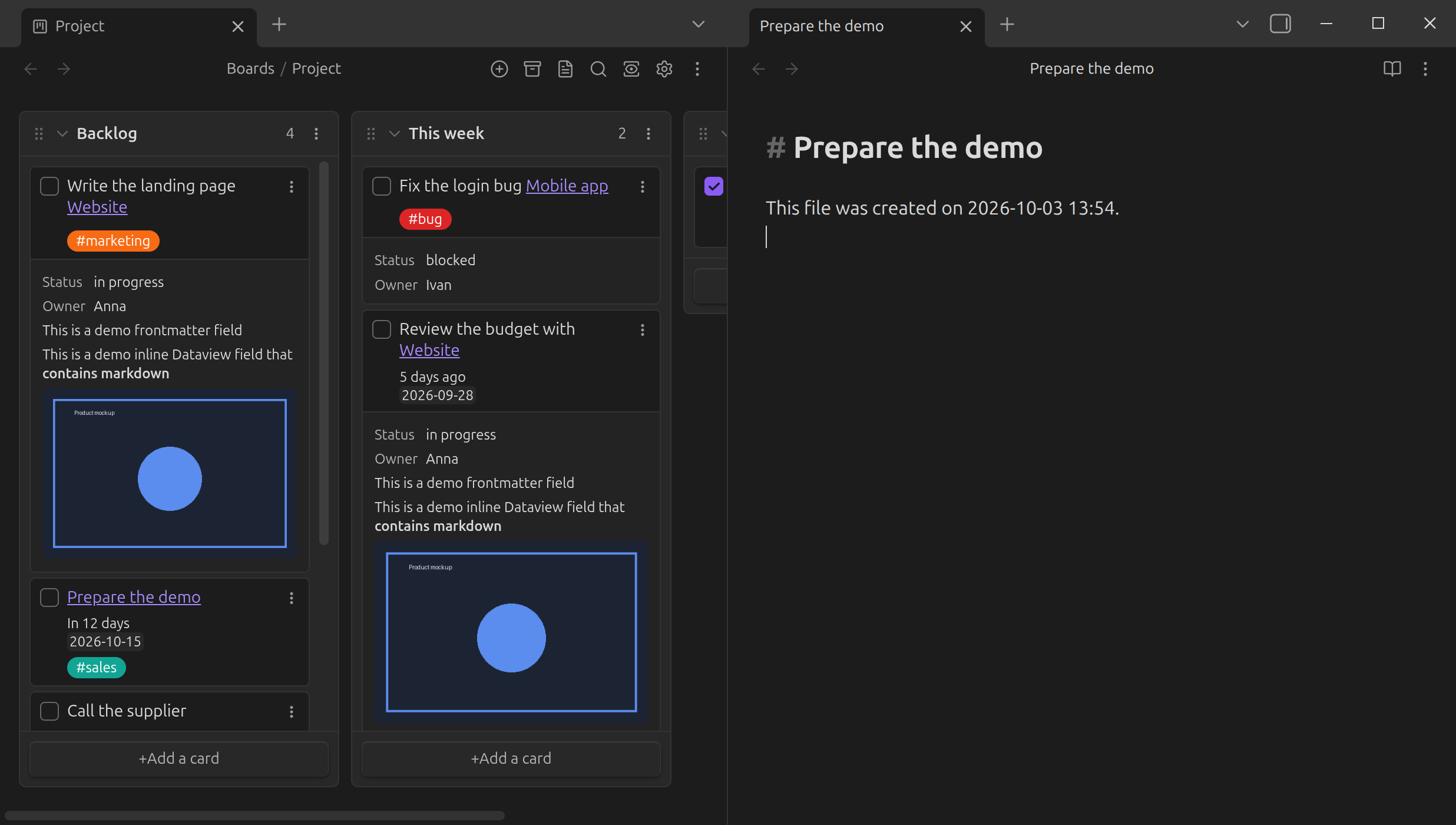
New notes created from a card (see Creating a note from a card) are pre-populated with this template. Supports Obsidian Templates and Templater syntax — see a minimal example (rendered as a page here; copy its one line into your own template note).
With the core Templates plugin active, create a template such as:
# {{title}}

This file was created on {{date}} {{time}}.
...then select it in the board's settings:


Note folder
The folder new notes created from a card are placed in. Leave blank to use the vault's default location for new notes.
Maximum number of archived cards
See Archive settings.