Installation
Kanban Starlane is in Obsidian's community plugin store. You can also install it with BRAT or by hand.
Community plugins (recommended)
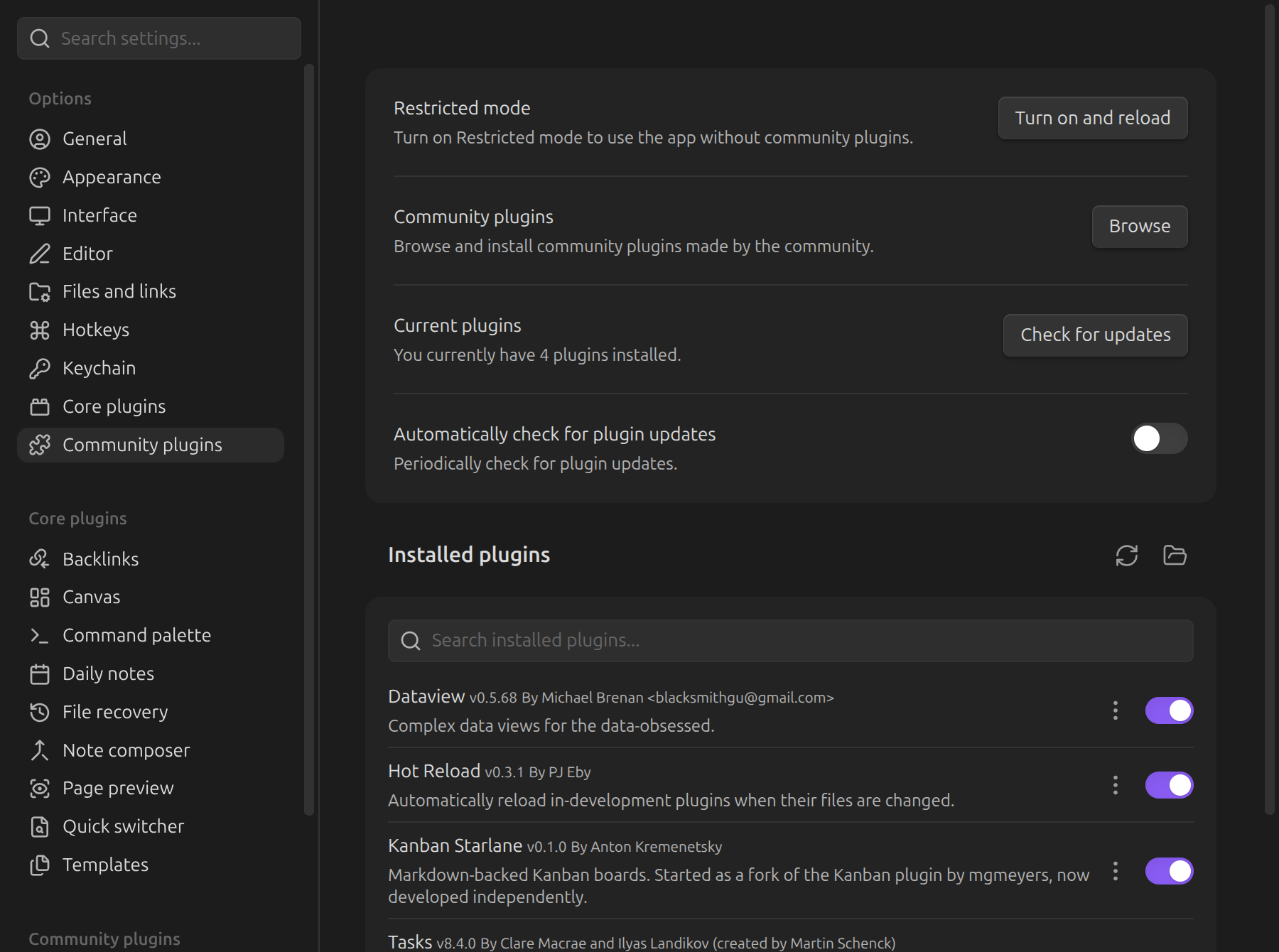
- Open Settings → Community plugins and turn off Restricted mode if it is on.
- Click Browse, search for Kanban Starlane, then Install and Enable.
Obsidian updates the plugin together with your other community plugins. The plugin page lists the releases.
BRAT
Use BRAT to try versions before they reach the store.
- Install Obsidian42 - BRAT from the community plugin store.
- In BRAT's settings, add this repository as a beta plugin:
akremenetsky/kanban-starlane. - Enable Kanban Starlane under Settings → Community plugins.
BRAT also keeps the plugin updated automatically.
Manual install
- Download
main.js,manifest.jsonandstyles.cssfrom the latest release. - Copy them into
<your vault>/.obsidian/plugins/kanban-starlane/. - Enable Kanban Starlane under Settings → Community plugins.
Requirements
Kanban Starlane requires Obsidian 1.8.7 or newer.
Already using the original Kanban plugin? See Coming from the Kanban plugin — both plugins can run side by side until you convert your boards.