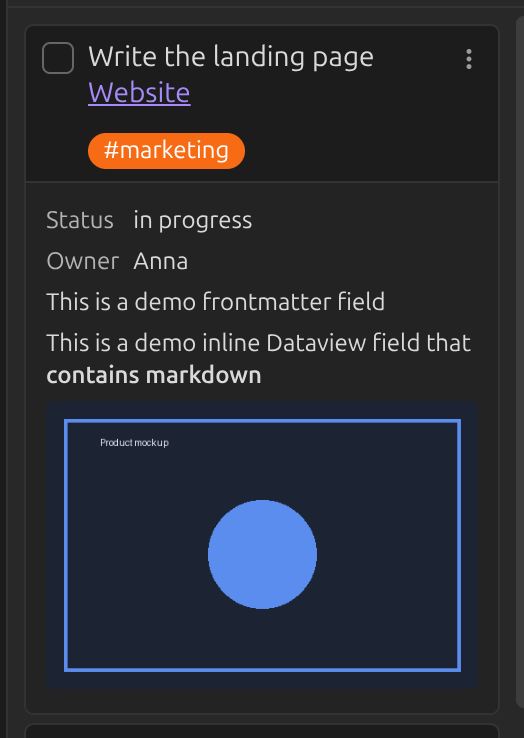
Linked page metadata
A card that links to a note can show that note's frontmatter and Dataview fields below it. Only the first link or embed in the card is used.
Say a linked note contains:
---
demo-field: This is a demo frontmatter field
---

Lorem ipsum dolor sit amet, consectetur adipiscing elit.

inline-field:: This is a demo inline Dataview field that **contains markdown**
Add demo-field and inline-field under
Linked page metadata in the settings, and they appear
below the card:
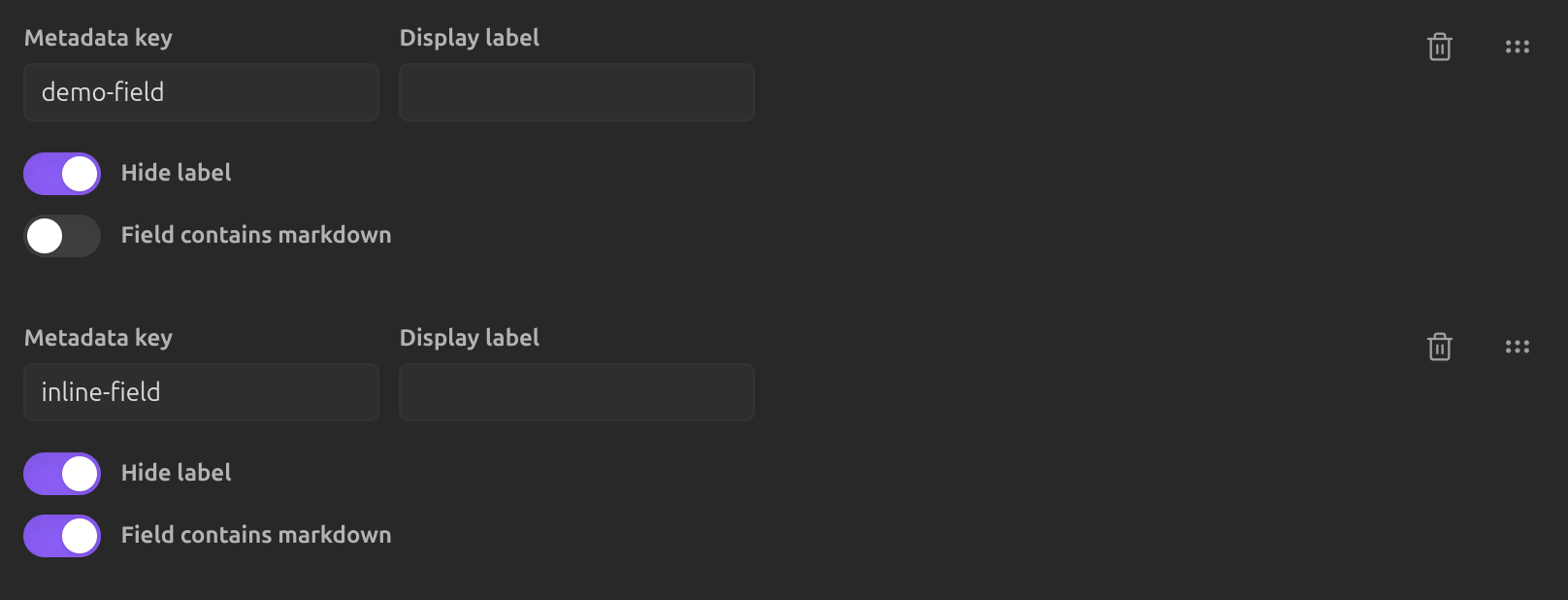
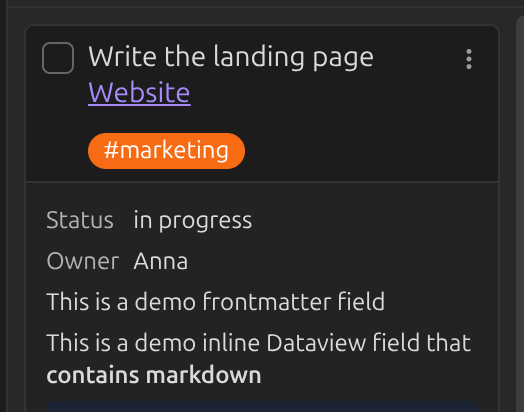
If a field contains markdown (like the bold text above), toggle Field contains markdown for that key, or it will be shown as plain text:

Displaying images
The same mechanism can show an image: point a metadata key at a field that contains an image embed.

Frontmatter needs quotes
An image embed in frontmatter must be wrapped in quotes, or Obsidian's YAML parser won't accept it:
---
delivery-notes: "![[LinkToImage.png]]"
---
In inline Dataview fields (delivery-notes:: ![[LinkToImage.png]]), quotes are not
needed. See FAQ: frontmatter limitations for more of these quirks.