Dates and times
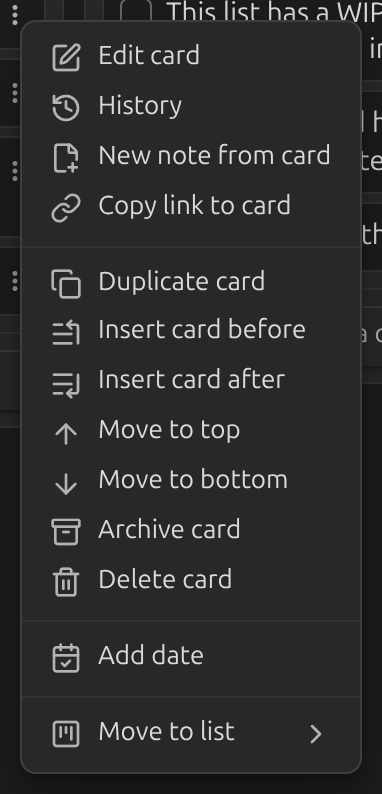
Adding a date
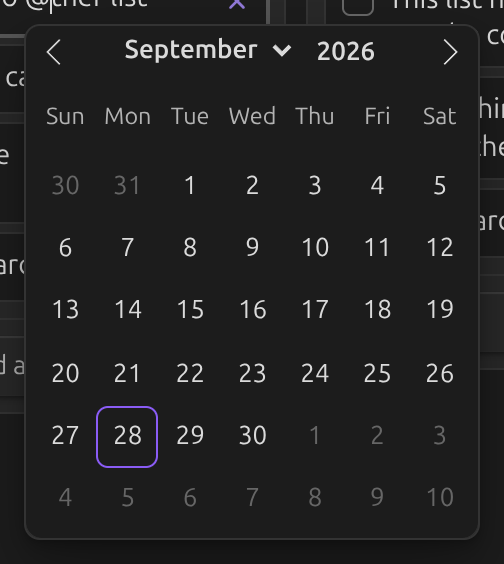
Type the date trigger — @ by default — while
editing a card to open the date picker.
You can also right-click a card, or open its ⋮ menu, and choose Add date.
Adding a time
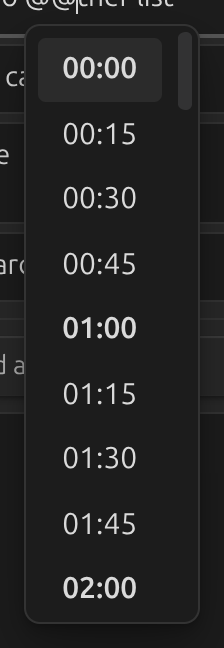
Type the time trigger — @@ by default — to open
the time picker.
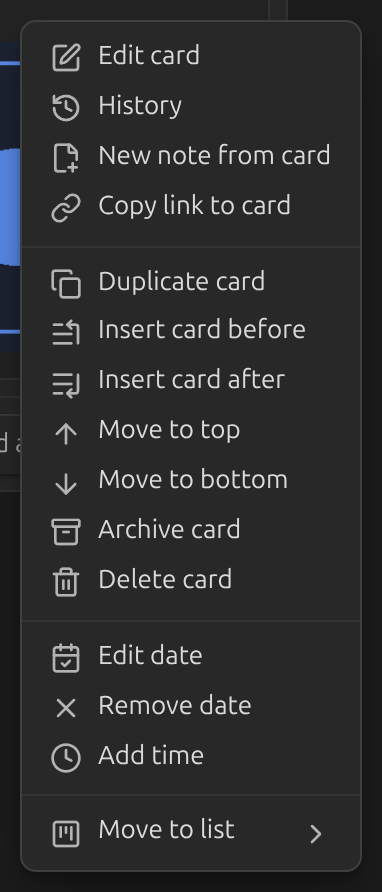
A card that already has a date can also get a time from its ⋮ menu.
Formatting and display
- Date format and Time format control what gets written into the card's markdown.
- Date display format controls how the date is shown on the card, independently of what's saved to disk.
- Move the date out of the card's body and into its footer with Move dates to card footer.
- Turn on Show relative date to show "in 3 days" or "a month ago" instead of a fixed date.
- Turn on Link dates to daily notes to make a card's date open the matching daily note.